Chrome extension · press ⌥⇧S or Alt+Shift+S
Circle the bug.
Your AI fixes it.
Circle to Fix turns a scribble on any web page into a prompt with the screenshot, the element's code and the page context. Paste it into your coding agent and skip the backstory.
Chrome 123+ · no account · screenshots never leave your machine
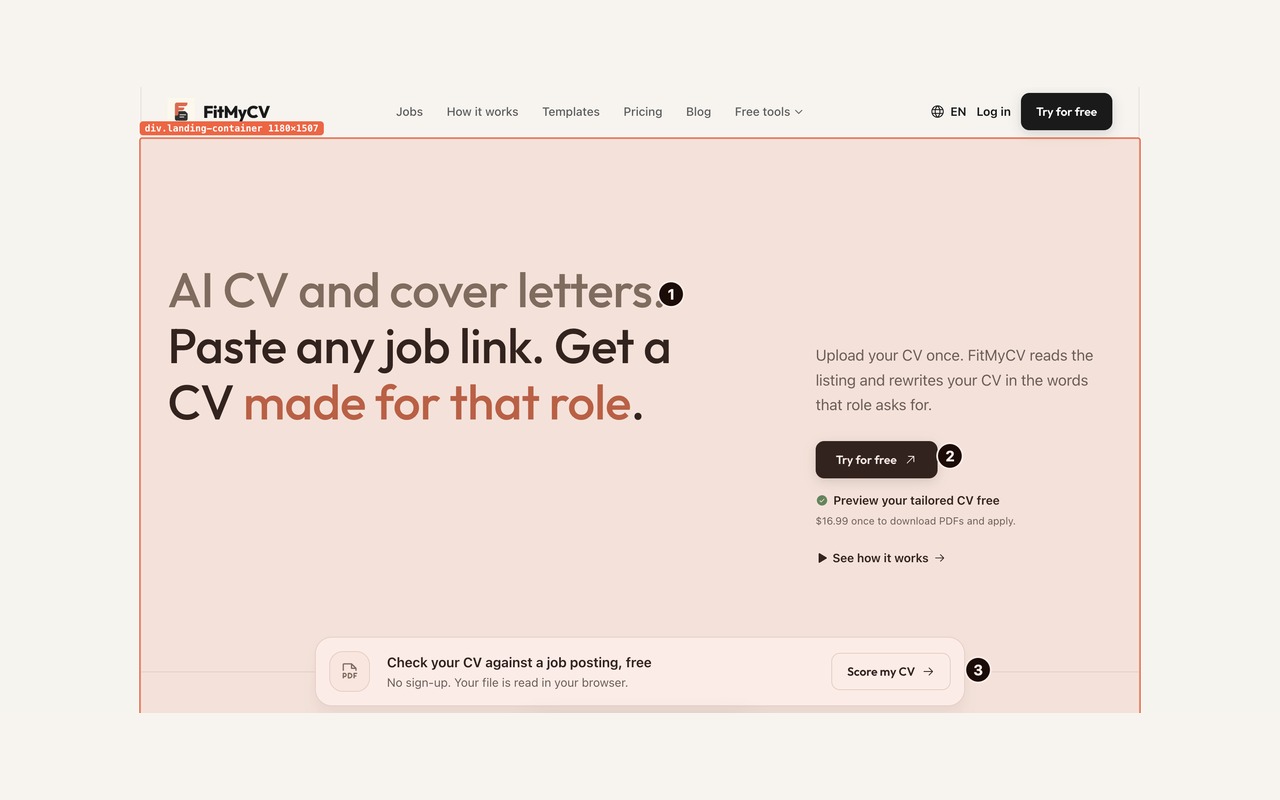
Prompts tuned for the tools you already use
No need to explain the bug
I got tired of typing “the second card, the button under the price, no, the other one” into my coding agent. So I built this. Draw it once and Circle to Fix writes the context your agent needs.
How it works
Three clicks from bug to prompt
Circle it
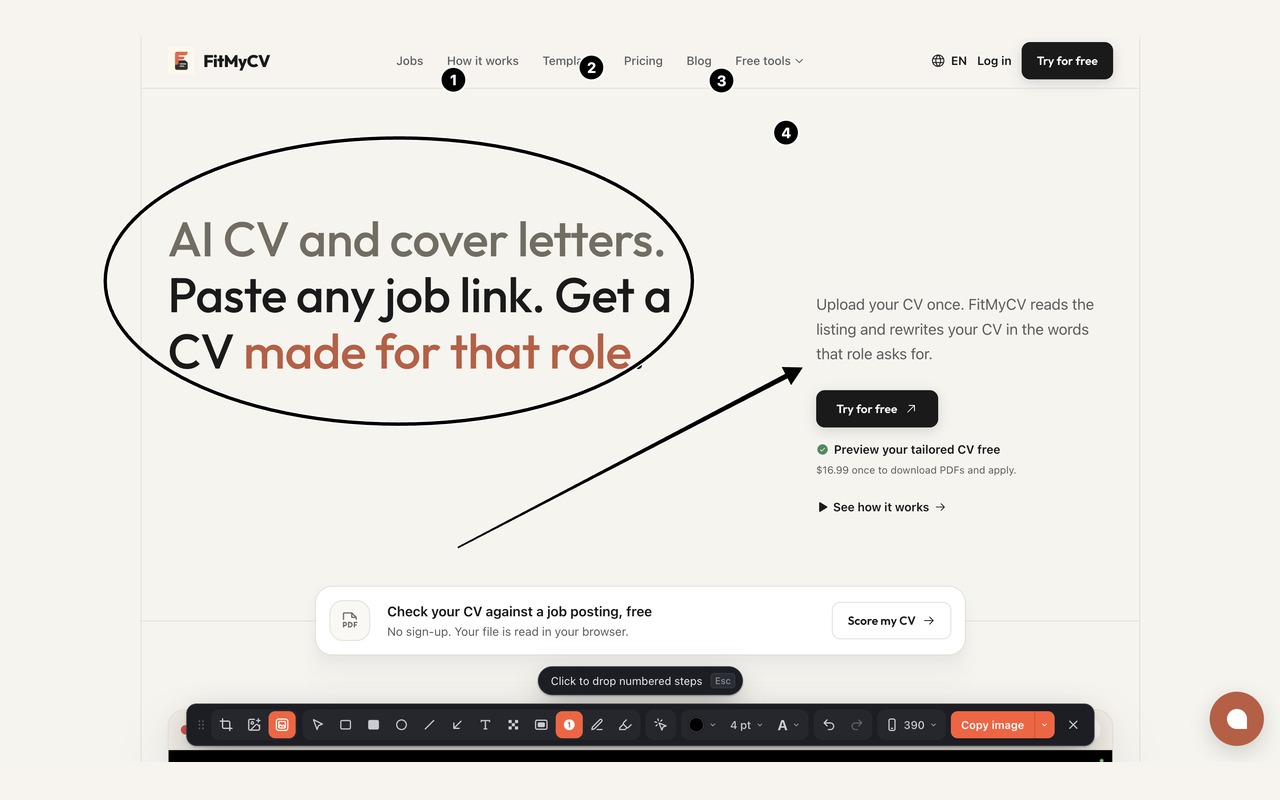
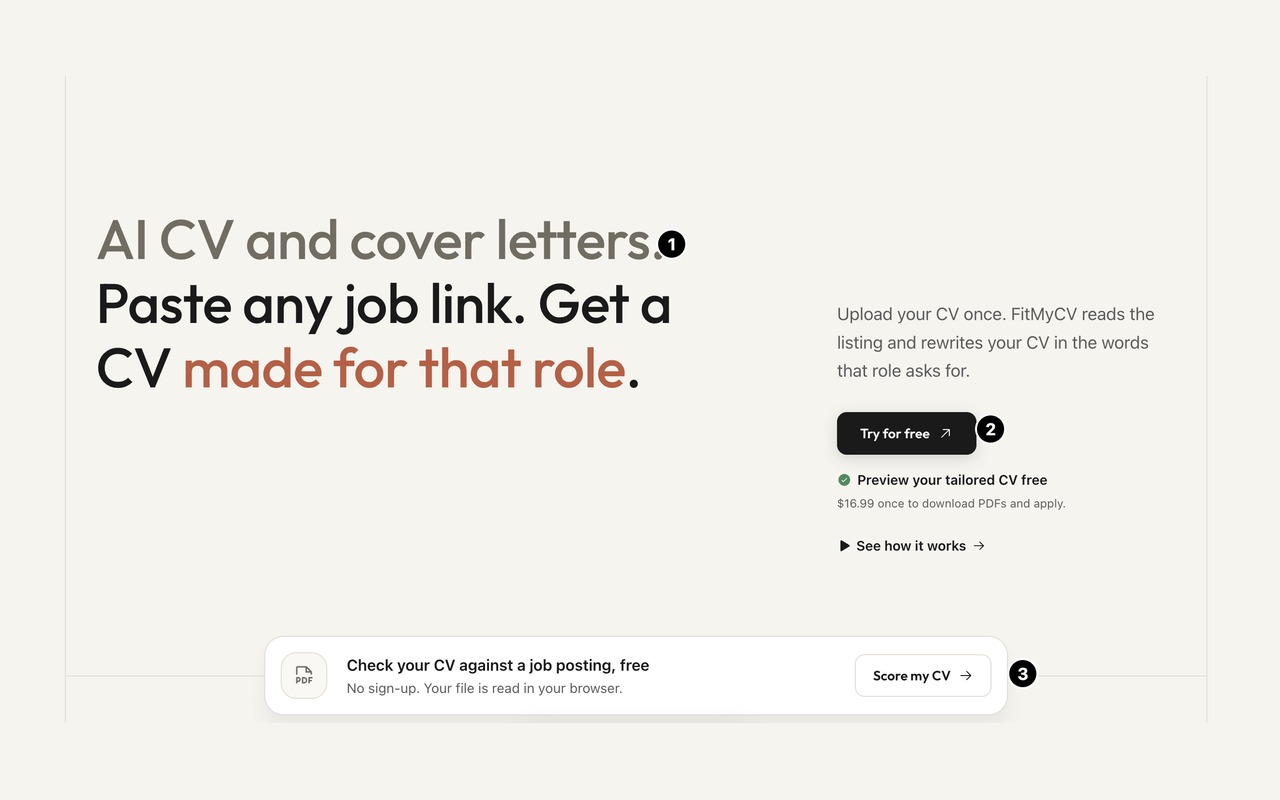
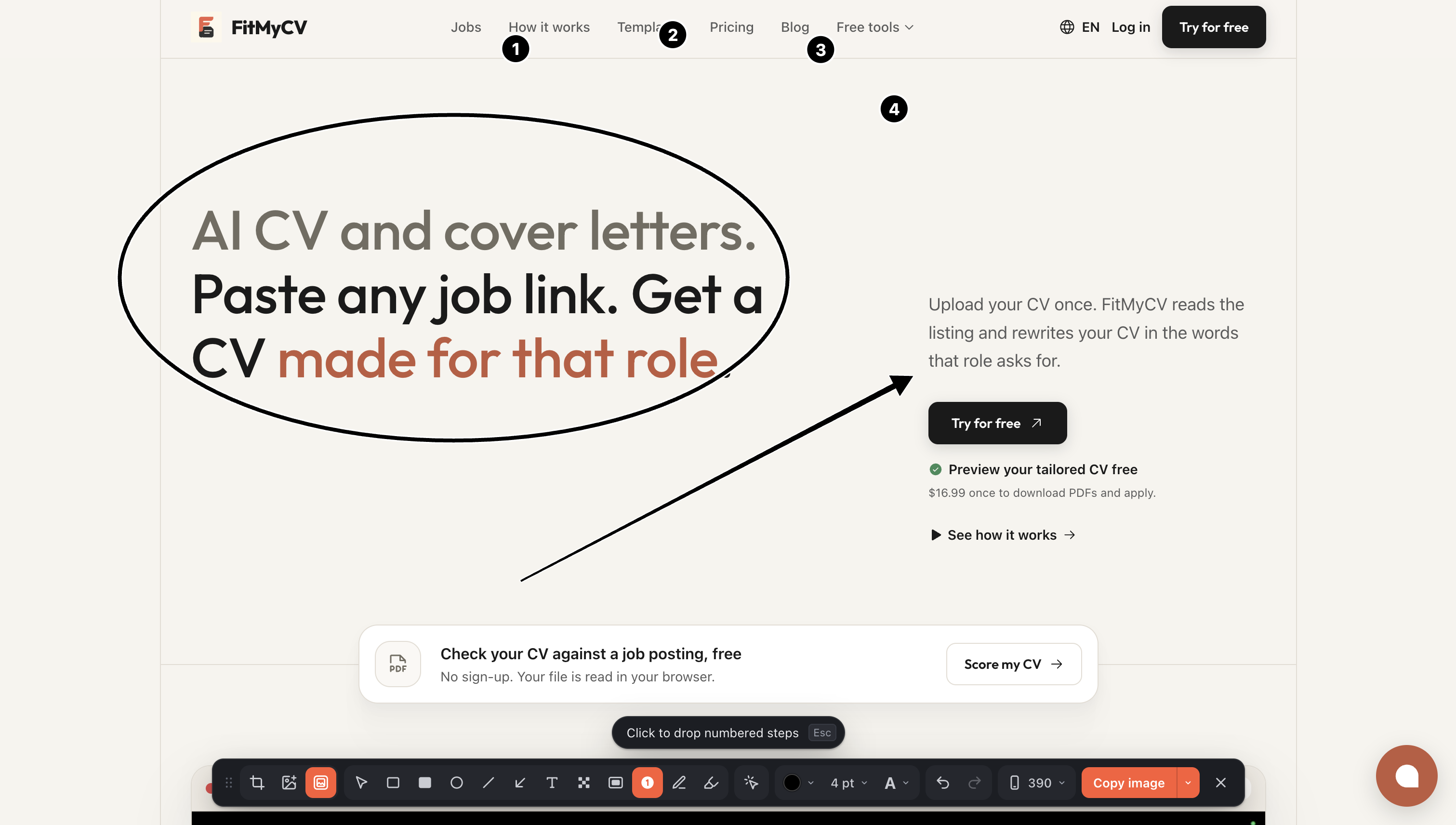
Press ⌥⇧S on any page. Draw circles, arrows, boxes, numbered steps or a quick note right on top of the bug.
Pick the element
Click the broken thing. Circle to Fix grabs its selector and HTML so your agent sees the code, not just pixels.
Paste into your agent
One click copies a ready prompt. Claude Code, Codex and Cursor take one paste. ChatGPT and Claude take two: the image, then the prompt.
Annotate
A toolbar that lives on the page
Crop, draw, number, blur and pick elements without leaving the tab. Everything you mark becomes words in the prompt, so the model knows what the red circle means.
Responsive bugs
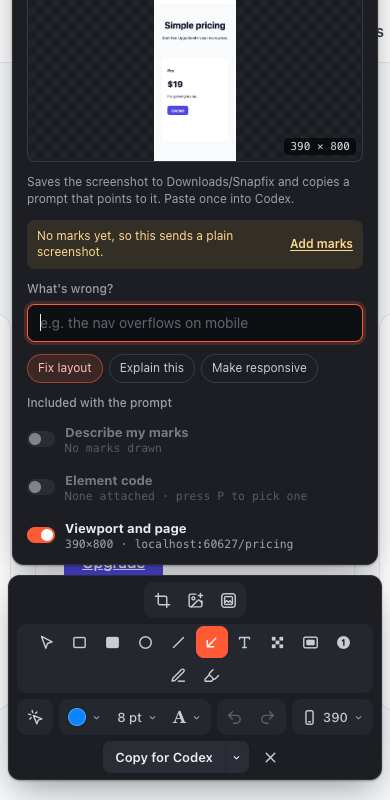
Reproduce mobile in one click
Flip the page to 390px, catch the overflow, and send it. The viewport goes in the prompt too.
“Fix this UI bug. Screenshot: Downloads/CircleToFix/… The nav overflows at 390px.”
Point and blur
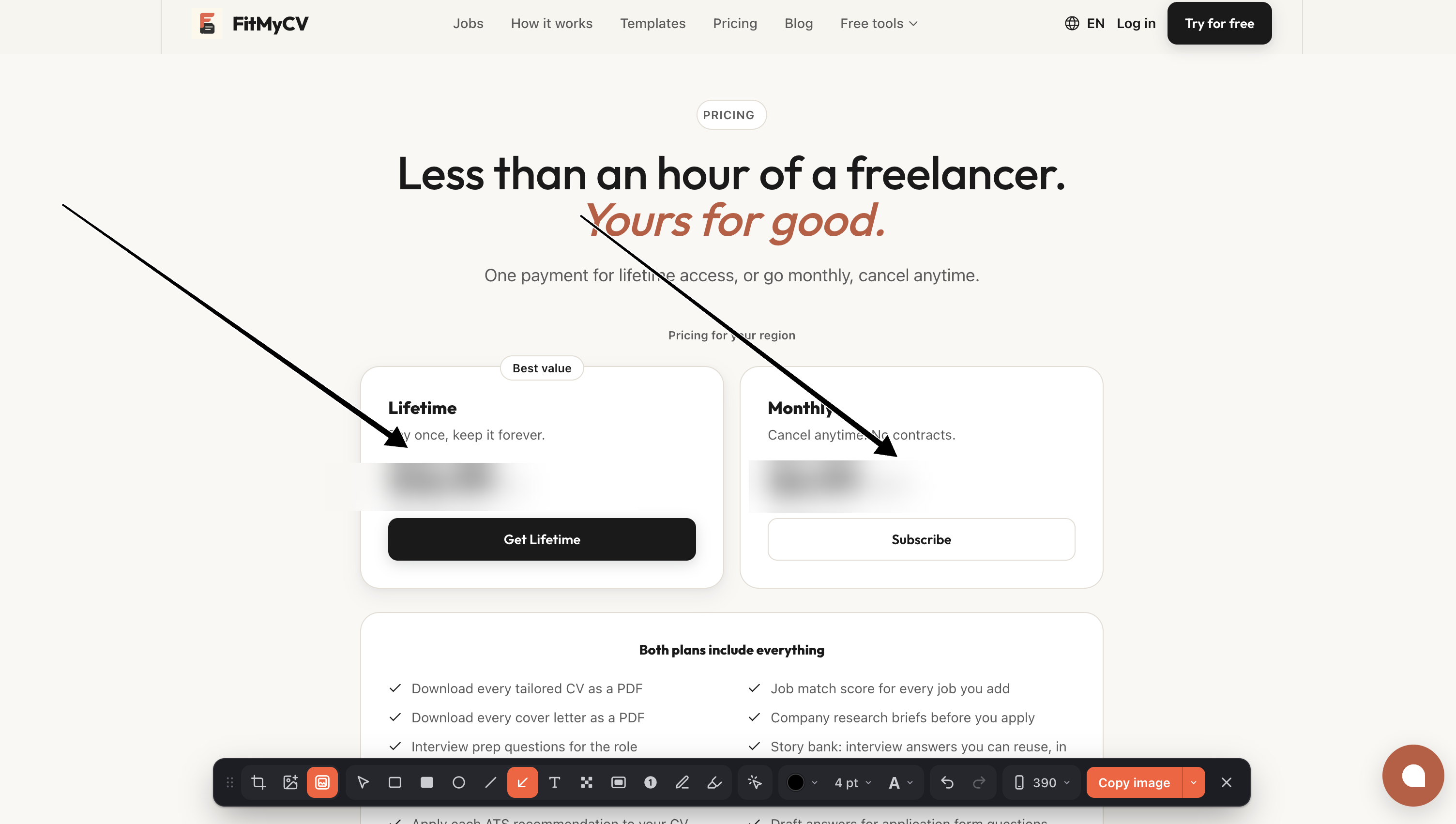
Show exactly where, hide what's private
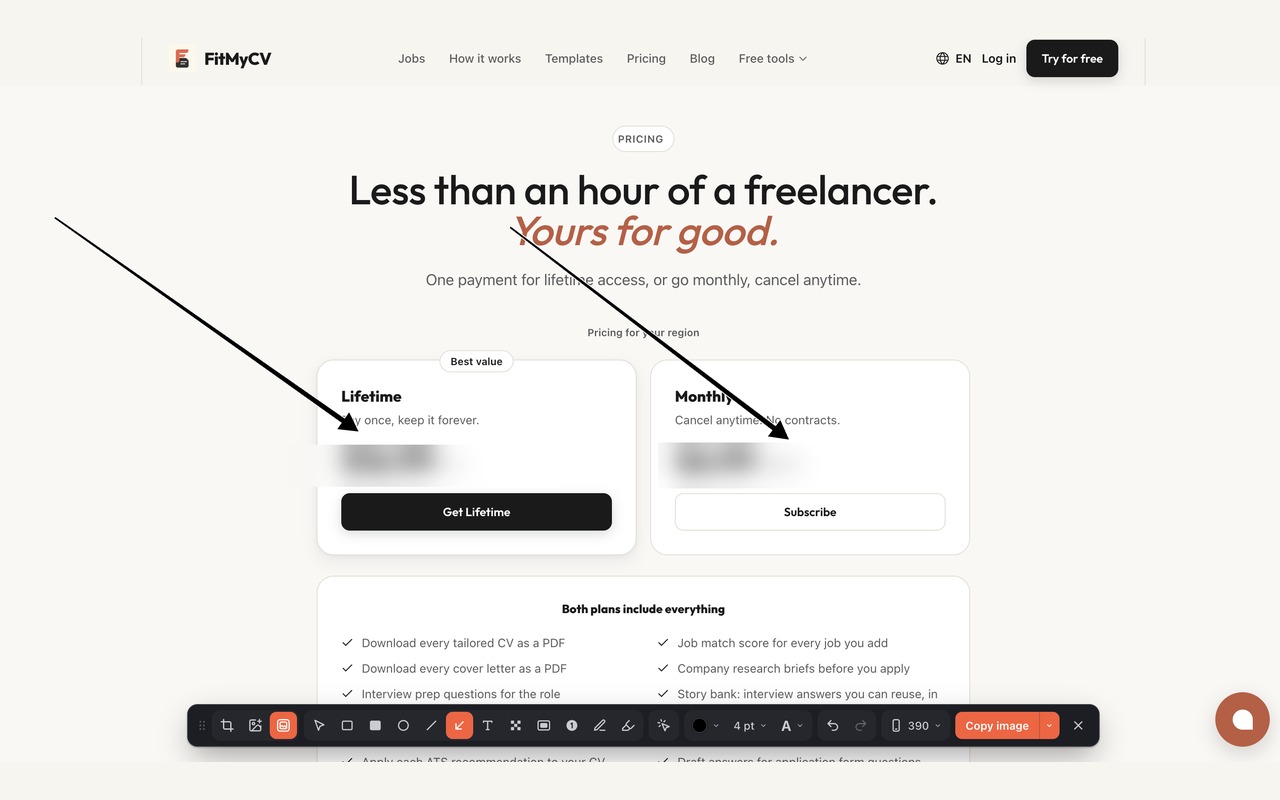
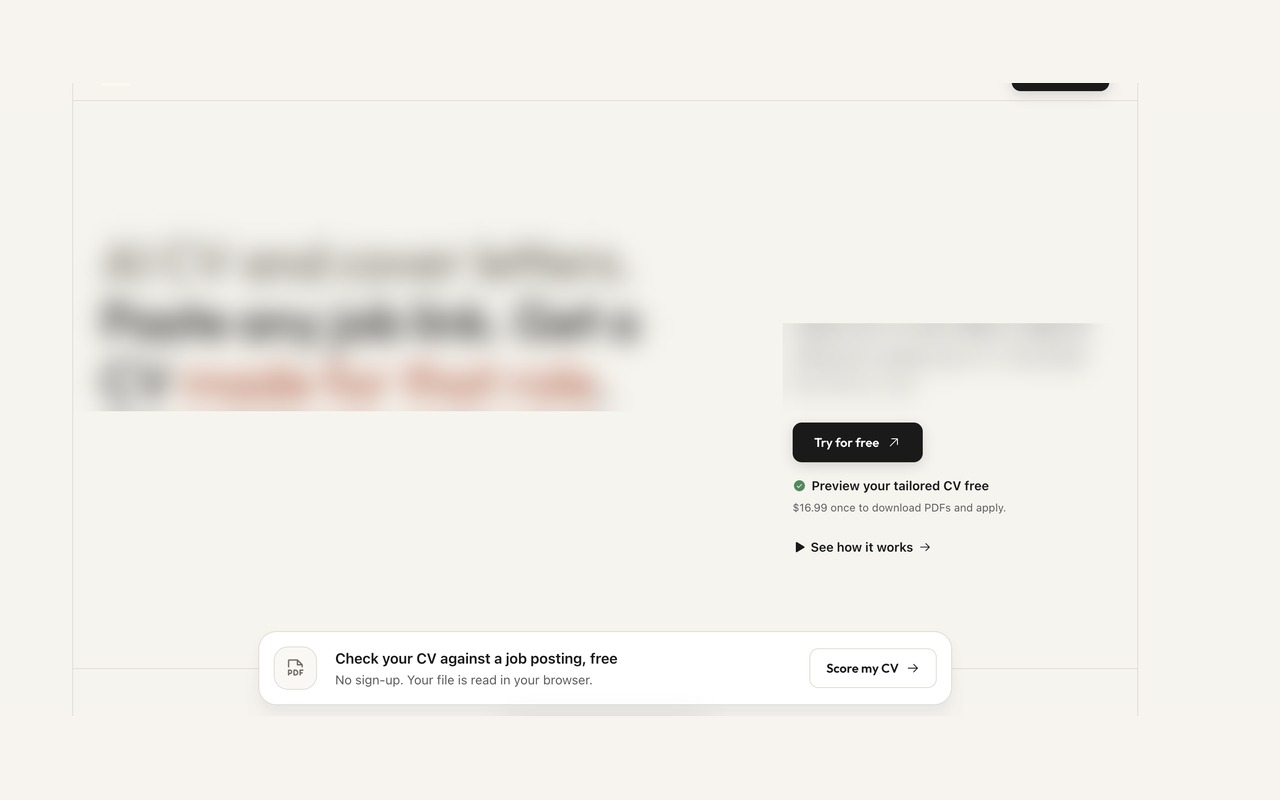
Arrows land on the broken spot. Blur covers prices, emails or keys before the screenshot leaves your tab.
Features
Everything your agent needs in one paste
Draw on the live page
Arrows, boxes, filled shapes, pen, text, numbered steps and blur. Undo, redo, colors and sizes included.
Code behind the pixels
The element picker attaches the selector and trimmed HTML, so fixes land in the right file.
Context, written for you
Your marks are described in words, plus viewport, page URL and stack hints like Next.js.
Mobile width in one click
Open the page at 390px to reproduce responsive bugs without opening DevTools.
Prompts tuned per agent
Agents get a screenshot saved to Downloads/CircleToFix. Chat apps get the image on the clipboard. Or just download the PNG.
Improve with AI, optional
One click tightens the prompt with Groq. No key needed. Text only, the screenshot stays on your machine.
Privacy
Your screen is personal. It stays that way.
Accounts
None. Ever.
No sign-up, no login. Install it and press ⌥⇧S.
Screenshots
Never uploaded
Screenshots and prompts are built in your browser and go to your clipboard and Downloads folder.
Improve with AI
Text only, on click
Only when you click Improve, the prompt text goes to Groq through our relay. Nothing is stored. Add your own key to go direct.
Permissions
Only what it needs
activeTab, scripting, storage, clipboardWrite and downloads. Direct Groq access is asked for only if you add your own key.
Questions
Which AI tools does it work with?+
Anything that takes a prompt. Circle to Fix has tuned outputs for Claude Code, Codex, Cursor, ChatGPT and Claude, and the plain prompt works anywhere else.
Does it read every page I visit?+
No. It only runs on the tab where you press ⌥⇧S or click the toolbar icon, using Chrome's activeTab permission.
How does my coding agent see the screenshot?+
Circle to Fix saves the image to Downloads/CircleToFix and the prompt points to that path, so terminal agents like Claude Code can open it directly.
Is it free?+
Yes. Improve with AI is free too, with a small per-minute limit. Add your own Groq key to skip the limit.
Does it work on localhost?+
Yes, that's the main use case. It also picks up stack hints like Next.js so your agent knows where to look.
Stop describing bugs. Circle them.
Then press ⌥⇧S (Alt+Shift+S) on any page.